
Block World Explorer (3D)
Walk through a 3D world made of blocks, mine your way through walls and hunt for glowing crystals.
How to use: Move with W A S D or the arrows and drag to look. Press E to mine the block in front of you and Q to place one.
How to play Block World Explorer
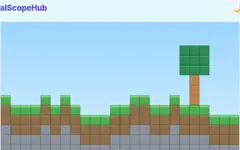
Block World Explorer is a first-person adventure in a world built from blocks. Each new world is generated at random, with walls of stone, brick, leaves, wood and gold ore forming rooms and passages under a bright sky. Eight glowing crystals are hidden around the map. Find them all as quickly as you can.
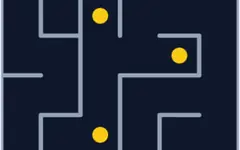
On a computer, move with W, A, S and D or the arrow keys; the left and right arrows turn. Drag the mouse across the view to look around. On a phone or tablet, put your left thumb on the left half of the screen and slide it like a joystick to walk, and drag on the right half to turn. The minimap in the corner shows walls, crystals and your position as a red dot.
You can change the world as you go. Look at a block close in front of you, where the crosshair turns yellow, and press E, Space or the Mine button to break it. Mined blocks go into your inventory, and Q or the Place button puts a brick back in front of you. The outer wall cannot be broken. Your score is the time it takes to collect all eight crystals.
Use the minimap to plan a route, and mine straight through walls when the crystals are on the other side.
Frequently asked questions
How do I move on a phone?
Slide your left thumb on the left half of the screen like a joystick and drag on the right half to look around.
Can I break any block?
Any block within reach except the outer boundary wall. Mined blocks can be placed back.
Does it need a download or plug-in?
No. It runs in any modern browser using a light 3D-style ray-casting engine.